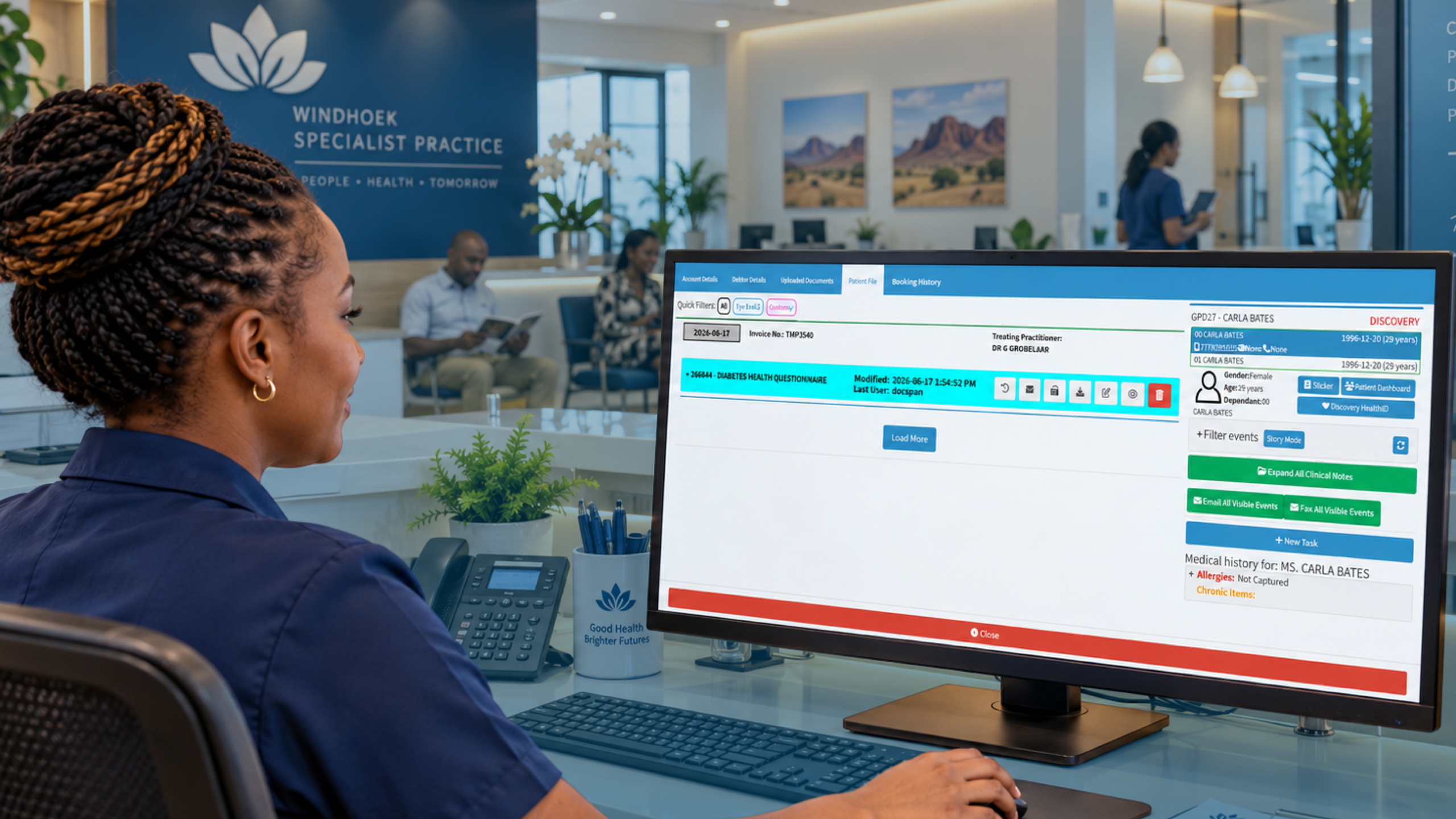
Picture a Monday morning in a busy Windhoek practice. Three patients arrive with handwritten imaging requests, one referral has no clinical notes, and the radiographer is phoning to ask which side the X-ray should be. Nobody has done anything wrong. The system just lets information fall through the gaps.
Radiology software closes those gaps by managing the whole journey of an imaging request, from the moment you order a scan to the moment the report lands in the patient’s file. For practice owners, doctors and managers, that journey is where time, money and patient trust quietly leak away. Industry data suggests administrative waste accounts for 20 to 25 percent of healthcare spending, and paper-based imaging admin is a very visible slice of it.
This article looks at the three places where radiology work usually goes wrong in a Namibian practice: requests, results and day-to-day workflow. It also covers what to ask of any system you consider, and where GoodX fits.
Radiology Request Management: Getting the Order Right the First Time
A bad request creates work for everyone downstream. A missing clinical history means the radiologist can’t prioritise or protocol the scan properly. A missing medical aid number means the patient gets caught at the front desk, and the rebooking costs you a slot that someone else could have used.
Good radiology request management starts with a structured request form that can’t be sent half-empty. Patient details, the examination required, laterality, clinical question, urgency and funder information should all be mandatory fields, filled from the patient’s record rather than retyped. When the doctor selects the examination, the request should carry the right details automatically.
This is where electronic imaging referrals earn their keep. Instead of a patient carrying a slip of paper across town, the request travels to the imaging centre with the clinical notes attached. The patient can’t lose it, nobody has to decipher handwriting, and you can see at a glance whether the request has been received, booked or completed.
Delegation matters too. Consultants in family practice have long pointed out that doctors spend a large share of their working time on record tasks, and the AAFP’s advice on reducing administrative and documentation burden suggests handing forms and paperwork to trained staff. Imaging requests are a natural candidate. A trained receptionist or nurse can prepare the request, check funder details and book the slot, leaving the doctor to confirm the clinical question and sign off.
Track what happens to each request as well. How many go out without clinical notes? How many patients never turn up for the scan? Those two numbers alone tell you a great deal about whether your process is working. [INTERNAL LINK: how GoodX handles patient bookings and recalls -> GoodX appointments and bookings page]
Radiology Results Reporting: Closing the Loop Safely
Sending the request is only half the job. The other half is making sure the result comes back, reaches the right doctor and gets acted on. A report that sits in an inbox, or in a pile on a desk, is a clinical risk as much as an administrative one.
Practices often judge their imaging partners on turnaround time for reports, and rightly so. A chest film reported the same afternoon lets you start treatment that day. A report that takes a week means a follow-up call, a worried patient and a repeat consultation. If you can’t measure turnaround time, you can’t have a sensible conversation with the imaging centre about it, so record the date requested, the date performed and the date reported for every study.
Electronic results delivery fixes a lot of this. Reports arrive in the patient’s file, abnormal findings can be flagged for attention, and the doctor sees outstanding results in one list rather than hunting through paper. A simple rule helps: every request stays open until a result is received and reviewed by a named clinician. Anything still open after an agreed number of days gets chased.
Patient record integration is the piece that makes this safe. When reports and images sit alongside the history, medication and previous studies, the doctor reads the result in context. Comparison with an earlier scan, which used to mean a phone call or a search through archives, becomes a few clicks.
Privacy deserves a mention here. Radiology reports are among the most sensitive documents you hold, so access should be limited by role and every view should be traceable. Namibia’s own data protection legislation has been developing, so keep an eye on guidance from the Ministry of Health and Social Services and your professional council, and choose software that already supports role-based access and audit trails. Patients also ask for copies of their reports, and a system that lets you retrieve and release a complete record quickly makes those requests painless. Practices elsewhere, such as GP surgeries in England, have found that handling subject access requests is far easier when records are organised and searchable. That’s a UK process, not a Namibian requirement, but the lesson about tidy records applies anywhere.
Radiology Practice Workflow: From Booking to Billing
Radiology workflow is where small delays pile up. A patient is booked for the wrong room, the preparation instructions weren’t given, the funder authorisation wasn’t checked, the report is finished but the invoice isn’t raised. Each step is minor. Together they decide whether your day runs on time.
Start by mapping the path a single patient takes, from request to payment, and mark every handover. Most practices find three or four handovers where things regularly stall. One common example is the gap between a completed examination and the claim to the patient’s medical aid fund. If that depends on someone remembering, claims go out late and rejections go unnoticed.
Structured review beats gut feeling. MGMA’s guidance on financial metrics and KPIs recommends going beyond the income statement to look at volumes, productivity and variances, and the same thinking works for imaging. A monthly meeting that looks at examinations per room, no-show rates, report turnaround and rejected claims will show you problems long before the bank balance does. If you want help choosing measures, Physicians Practice has a useful guide to key performance indicators.
Keep the list short. A handful of numbers that you actually review beat a dashboard of thirty that nobody opens. Assign each number to one person, so there’s someone to ask when it drifts.
Finally, plan before you buy. Software won’t fix a workflow you haven’t thought through, and Medical Economics makes the case for strategic planning so that your activities pull in the same direction. Decide what you want to improve first, such as fewer incomplete requests or faster reporting, and judge any system against that.
Where GoodX Fits Into Your Radiology Workflow
GoodX practice management software brings the pieces above into one connected system, so imaging doesn’t live in a separate world from the rest of your practice. Requests are created from the patient’s record, bookings are managed in the same diary your team already uses, and results can be filed back against the patient’s clinical history. That’s patient record integration working the way it should, with no retyping and fewer places for errors to creep in.
On the business side, GoodX supports billing and claims so that completed examinations move to invoicing and medical aid claims without relying on memory. Reporting tools help you see volumes, outstanding results and claim status, which gives your monthly review meeting real numbers to work with. [INTERNAL LINK: GoodX billing and claims management -> GoodX billing and claims page]
Every practice is set up differently, so the best way to judge fit is to see the software against your own process. Bring your worst Monday morning to the demo and ask how it would have gone differently. [INTERNAL LINK: GoodX clinical records and reporting -> GoodX clinical records page]
Frequently Asked Questions
What does radiology software do for a medical practice?
Radiology software manages the full imaging journey: creating and sending requests, booking examinations, receiving reports and linking results to the patient record. It reduces incomplete requests and lost reports, and gives you visibility of what is outstanding. Most practices also use it to support billing for imaging services.
How do electronic imaging referrals reduce errors?
Electronic imaging referrals use structured fields, so key details such as examination type, laterality and clinical history can’t be left out. Nothing depends on handwriting or a paper slip the patient might lose. The request also arrives with the clinical notes, which helps the radiologist protocol the scan correctly.
How can I improve turnaround time for reports?
Begin by measuring it: record the request, examination and report dates for every study. Share the figures with your imaging partners and agree realistic targets, including faster handling of urgent cases. Electronic delivery then removes the delays caused by printing, couriers and manual filing.
Does radiology software need to integrate with patient records?
Yes, integration is what makes it clinically useful. When reports sit beside history, medication and earlier scans, doctors interpret results in context and avoid repeat imaging. It also saves your staff from capturing the same details twice.
Is it difficult to move to radiology software?
It’s manageable if you plan it. Map your current process, decide which problems matter most, and train staff on the new steps before going live. Starting with requests and results, then adding reporting and billing, keeps disruption low.
Book your free GoodX demo
See how GoodX can tidy up your imaging requests, results and daily workflow by booking a free demo at goodxnamibia.com. Bring your real-world scenarios and we’ll show you how they’d run in the system.
Disclaimer: This article is provided for general informational and educational purposes only. While GoodX Software takes reasonable care to ensure that the information is accurate and current at the time of publication, laws, regulations, industry standards, healthcare policies and technology may change. The content should not be regarded as medical, legal, financial or other professional advice. Readers should verify information relevant to their circumstances and consult an appropriately qualified professional where necessary. GoodX Software accepts no responsibility for decisions made or actions taken solely on the basis of this content.